Broadcast to Thousands in Minutes: The Ultimate Multi-Streaming Strategy for Content Creators
As a content strategist and podcaster who’s been multi-streaming since 2017, multi-streaming has gone from a niche hack to an essential skill for creators serious about audience growth. Multi-streaming lets you broadcast to multiple platforms (YouTube, Twitch, TikTok, Instagram and more) at the same time, without multiplying your workload. With the right tool, a single stream can reach different audiences across platforms with just a few clicks and logins.
If you’re just getting started or looking to streamline your broadcasting workflow, the landscape has evolved far beyond simply pushing a feed out to several destinations. Today’s tools function more like full content studios, helping you manage production, distribution, and even engagement. Below are the multi-streaming solutions most worth your attention as a beginning or intermediate creator.
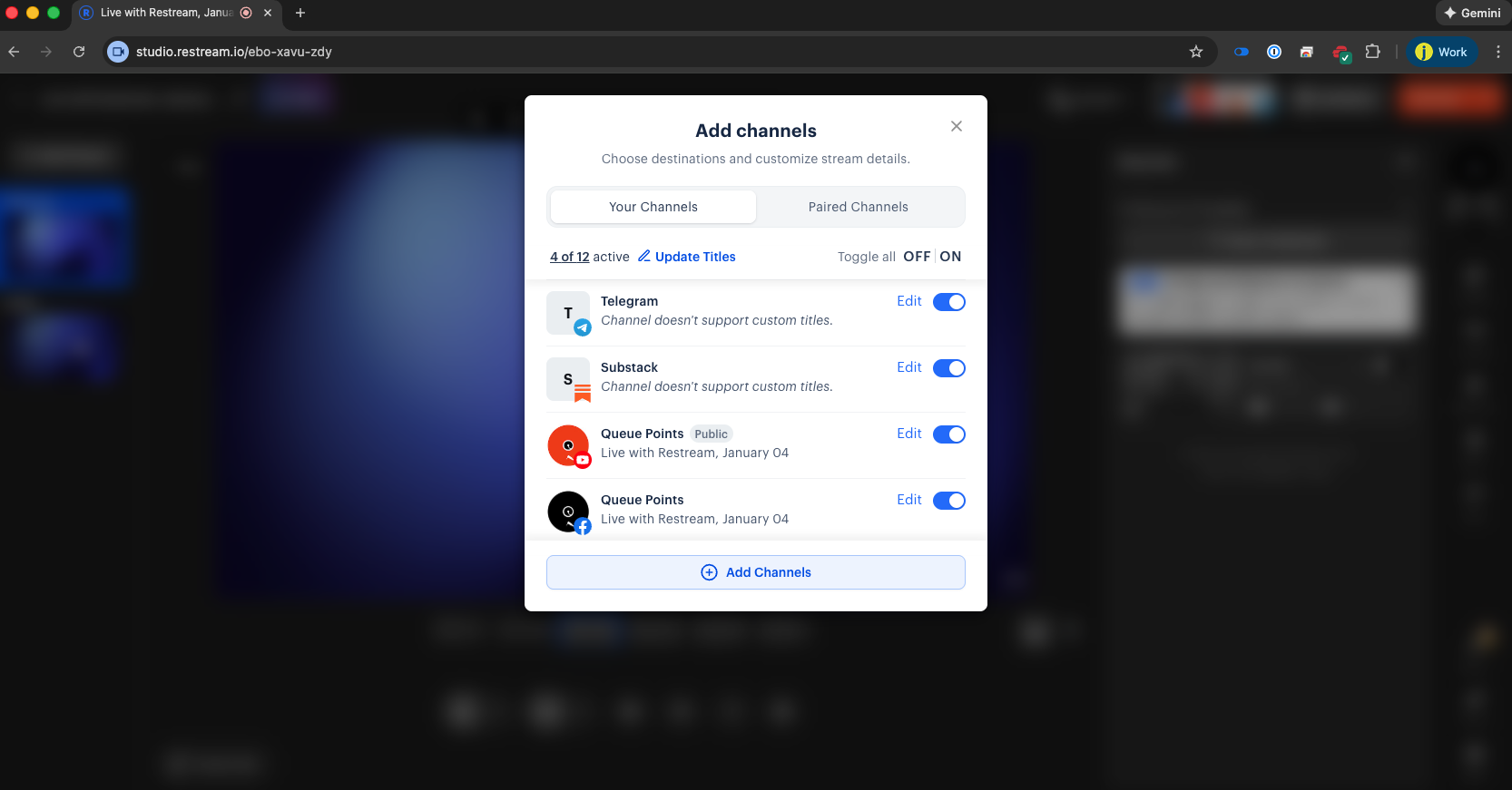
Restream: the tried-and-true workhorse
Restream made its name by solving one elegant problem: taking a single video feed and streaming it to multiple platforms through an intuitive, browser-based interface. What began as a straightforward distribution tool has evolved into a more complete streaming ecosystem.
With Restream Studio and Restream Chat, the platform now offers a one-stop shop for managing your entire stream pushing the signal out and engaging with viewers across destinations in real time. This makes Restream especially attractive if you want a simple setup that still feels professional.
Pro Tip: Use Restream’s transcoding feature to automatically convert your landscape feed into portrait, so you can multi-stream to Instagram and TikTok without rebuilding your layout.
Pros:
Browser based streaming with an easy to use interface or ability to broadcast from another streaming solution using RTMP.
Can integrate with Zoom.
Can transcode streams to send to Instagram and Tiktok.
With higher tiers can embed stream on website.
Can upload custom overlays, videos, and other assets for a professional stream.
Cons
Lower-tiers limit destinations you can stream to (Up to 3 on Standard Plan)
Ability to schedule pre-recorded content is limited at lower tiers. (Up to 30 minutes on Standard Plan)
Try Restream Today (affiliate link) – This link helps support the work on this site at no additional cost to you.
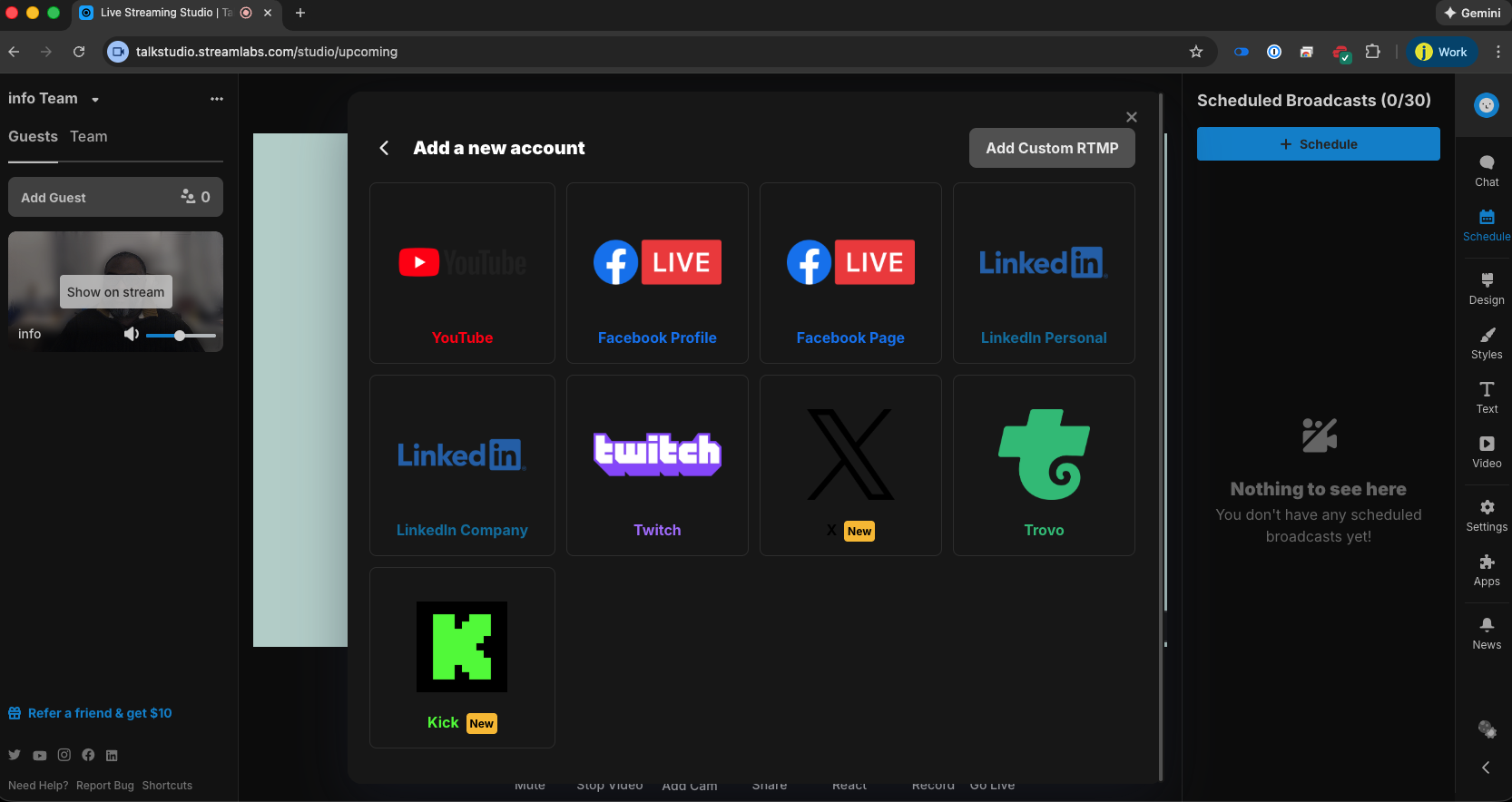
Streamlabs Talk Studio: the hidden gem
Streamlabs has grown far beyond its origins as a simple Twitch alerts tool into a full suite of creator-focused apps. Under its umbrella you’ll find tools for live streaming, recording, editing, and more, designed to simplify the technical side of content creation.
Streamlabs Talk Studio, which started life as Melon, is closest in spirit to platforms like Streamyard. It allows creators to multi-stream, schedule pre-recorded content, and customize layouts with the bells and whistles needed for a professional broadcast.
Pro Tip: Bundle Talk Studio with Streamlabs Ultra for under $200/year and you unlock Talk Studio, a text-based editor, a video editor, and additional creator tools. For the price, it’s one of the strongest value bundles available for serious creators.
Pros:
Browser based streaming with an easy to use interface or ability to broadcast from another streaming solution using RTMP.
Can integrate with Zoom.
Can multistream to unlimited destinations.
Ability to schedule pre-recorded content up to 2 hours.
Cost-effective when bundled with Streamlabs Ultra.
Can upload custom overlays, videos, and other assets for a professional stream.
Cons
When using local recording, quality can suffer if the computer doesn’t have enough memory.
Limited integrations impacting the ability to engage with the chat while multi-streaming.
Purchase Streamlabs Ultra Today (affiliate link) – Using this link supports the content you enjoy while you access the full Streamlabs suite.
Streamyard: the polished professional option
Streamyard is one of the OG browser-based live streaming tools, launching in 2018 with an emphasis on a simple, intuitive interface. During the COVID-19 pandemic, it grew rapidly and expanded its feature set well beyond basic multi-streaming.
In addition to sending your live broadcasts to multiple platforms, Streamyard’s higher tiers let you host private streams, embed video on your website, and run webinar-style events. This makes it appealing if you’re building out more formal programming, workshops, or paid experiences.
Pros:
Browser based streaming with an easy to use interface.
Ability to stream live or schedule pre-recorded content.
With higher tiers, can host webinars and private streams.
Can upload custom overlays, videos, and other assets for a professional stream.
Cons
High-cost (Core Plan is $44.99/monthly and $431.88/yearly)
Lower-tiers limit destinations you can stream to.
Try Streamyard Today – Ideal if you need webinar-style features and are comfortable investing more each month.
How to choose the right multi-streaming tool
If you’re a budget-conscious beginner, Restream’s lower tiers give you enough destinations to get started and learn the ropes without a heavy monthly commitment. Creators looking for maximum value and an all-in-one suite will likely gravitate toward Streamlabs Talk Studio bundled with Streamlabs Ultra.
If you’re building a more formal brand presence, offering webinars, or running paid live experiences, Streamyard’s pricing can be justified by the professional event capabilities it provides. As your audience and workflow mature, you may even experiment with more than one of these tools to match different show formats and goals.
Affiliate link disclosure
This article contains affiliate links for Restream and Streamlabs Ultra. If you choose to purchase through these links, a small commission may be earned at no additional cost to you, which helps support the work of creating resources like this. I only recommend tools that have been personally tested and found valuable for creators.